Real publishing examples
Your media.
Finished posts.
See how everyday business photos and video become branded content, with captions and a place in your publishing routine.
01 / Instagram
A business photo, ready for the feed.
A pickup truck on a trailer becomes a post with the business’s branding, website, location, caption, and relevant hashtags.
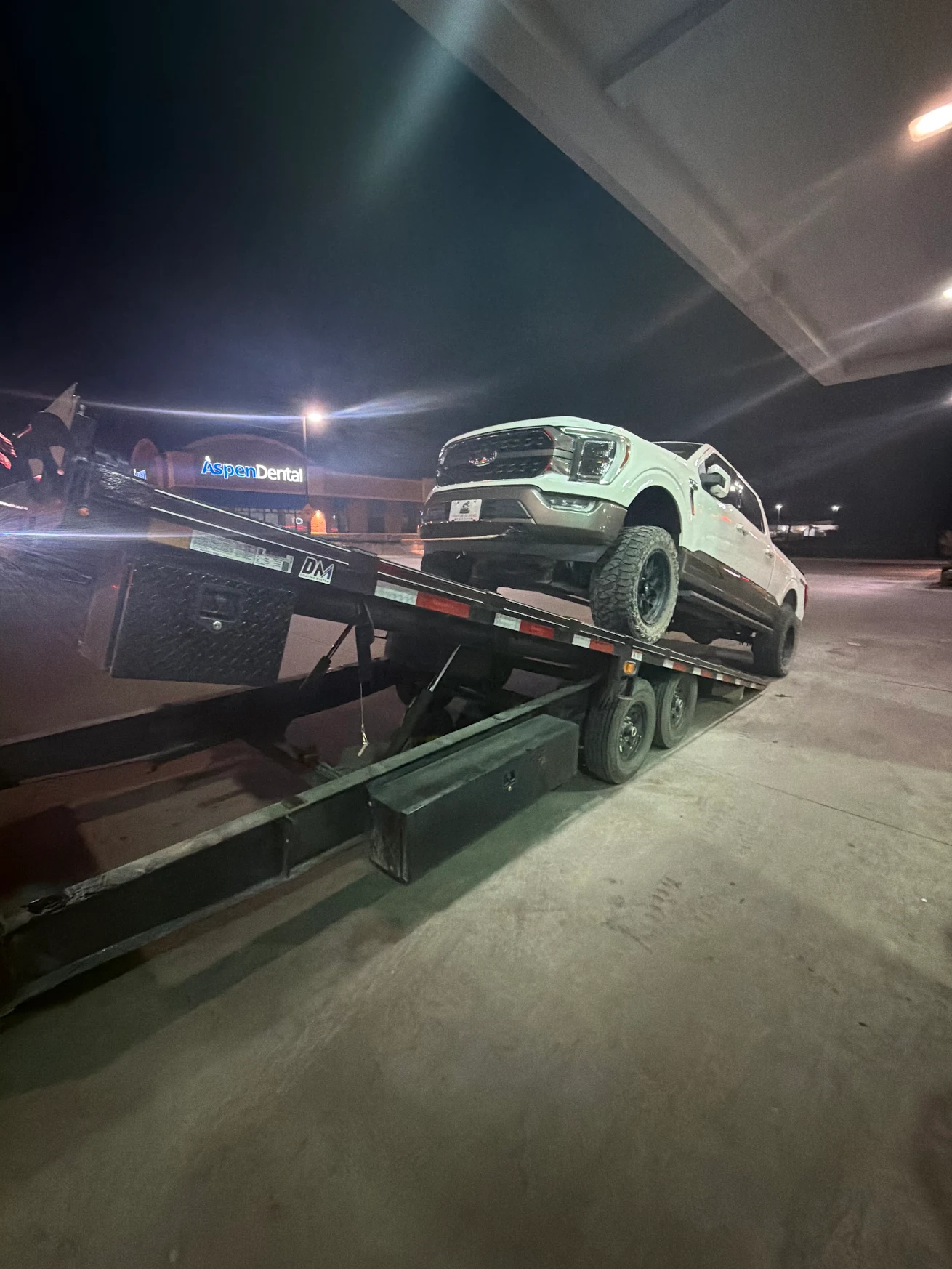
A real moment from the business, supplied without a branded publishing footer.
View full-size image (opens in a new tab)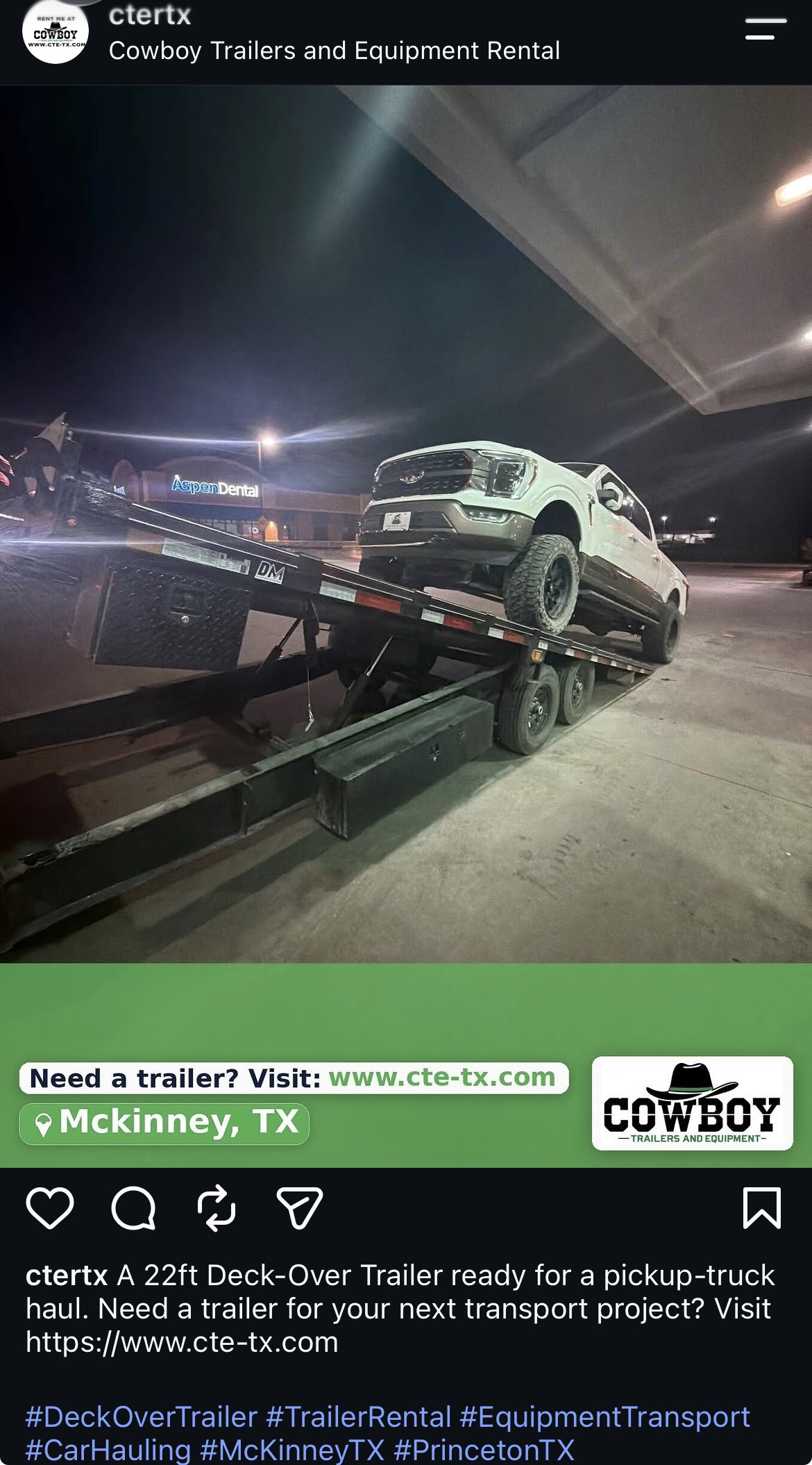
The same scene, presented with a branded footer and a caption describing the trailer and inviting viewers to visit the website.
View full-size image (opens in a new tab)Your business keeps its originals. Branding and preparation are applied to publishing copies. The original media in Google Drive remains unchanged.
02 / Google Business Profile
Turn a customer job into a business update.
The original red-truck photo is presented as a branded update, with a concise description and a “Learn more” button.
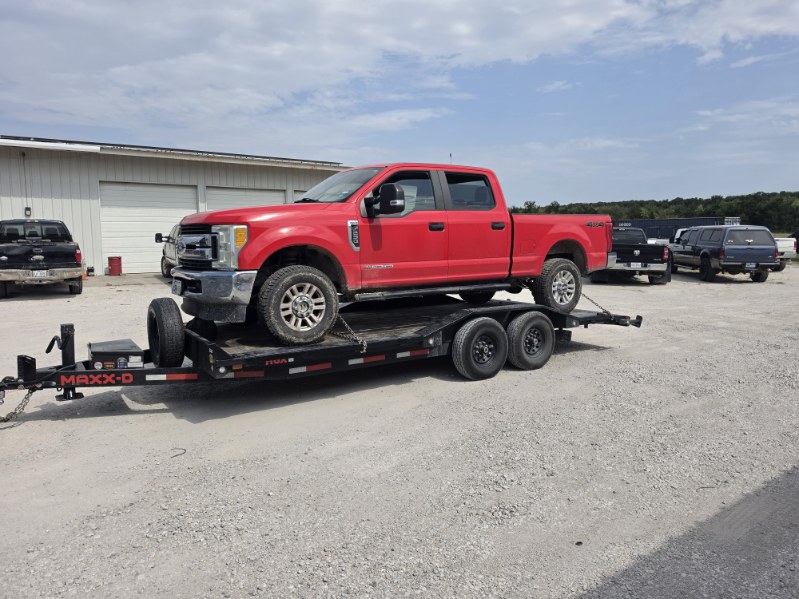
A landscape photo showing the trailer in use, before publishing branding and copy are added.
View full-size image (opens in a new tab)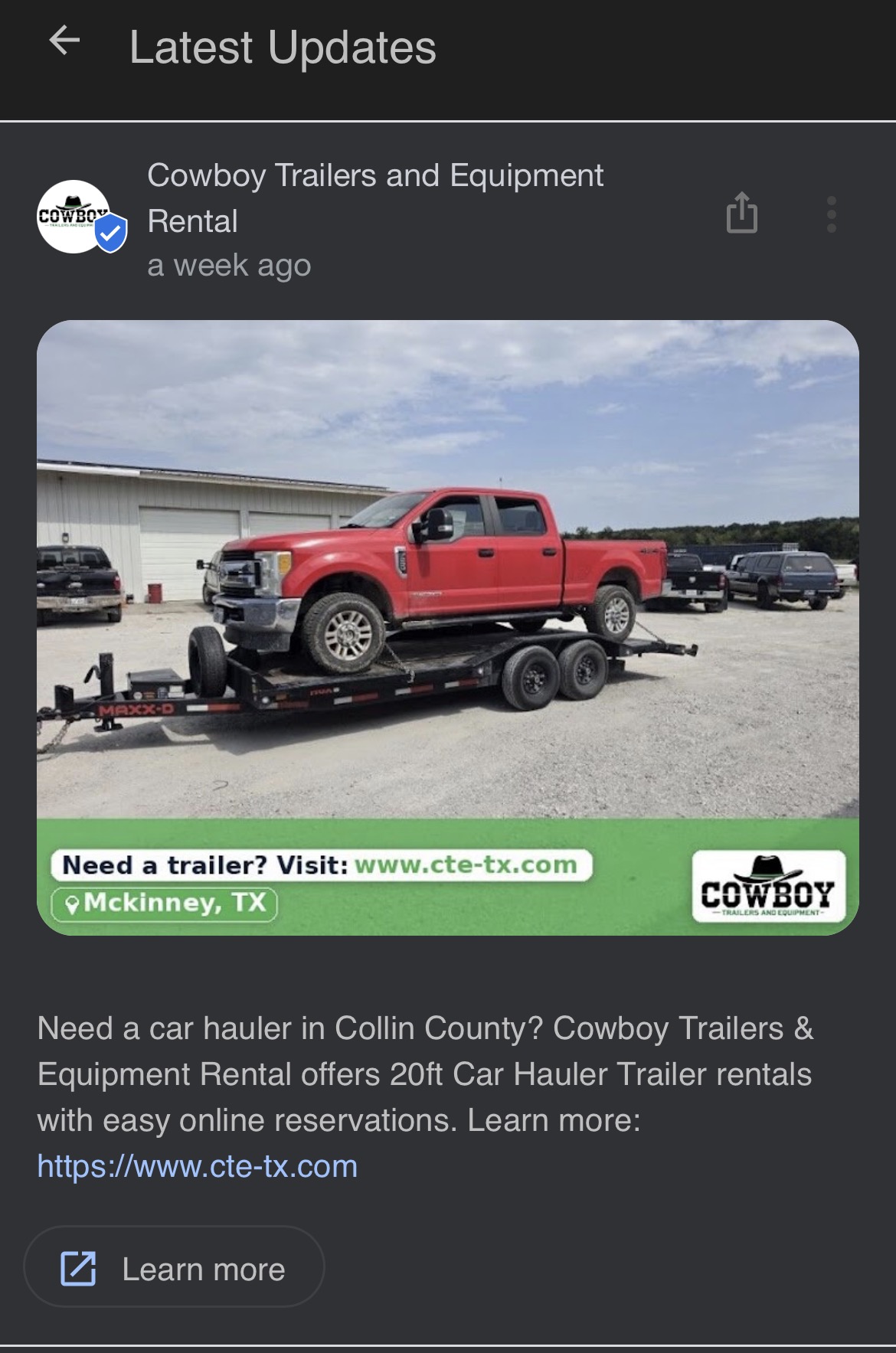
A single-photo update with the business website, McKinney location, and a clear next step for interested viewers.
View full-size image (opens in a new tab)03 / Facebook
Several views. One useful post.
Related photos can show more of the job together. This Facebook Page example combines enclosed-trailer views with a caption explaining what customers are seeing.
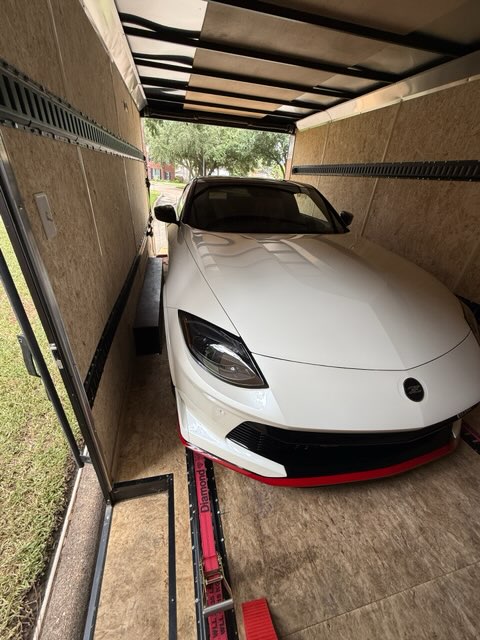
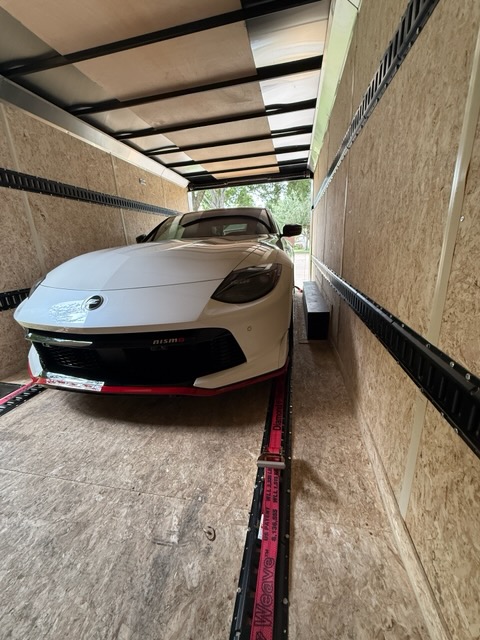
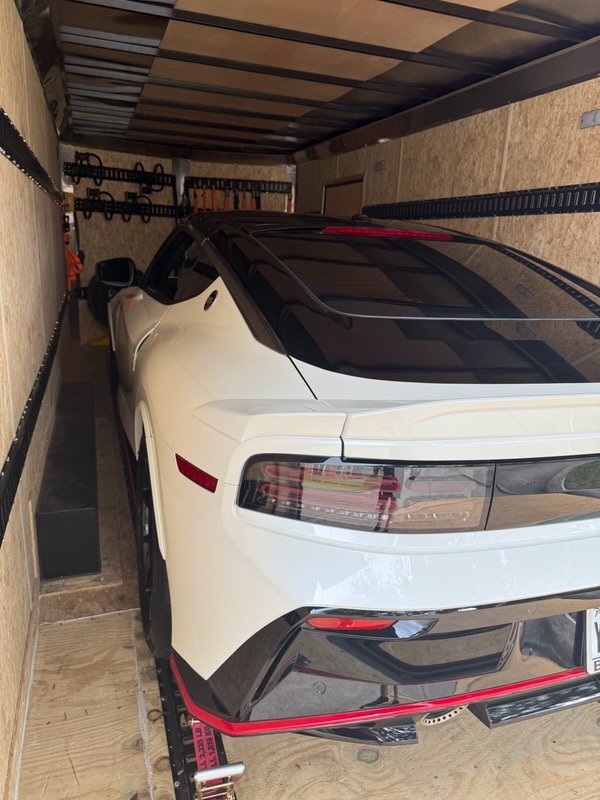
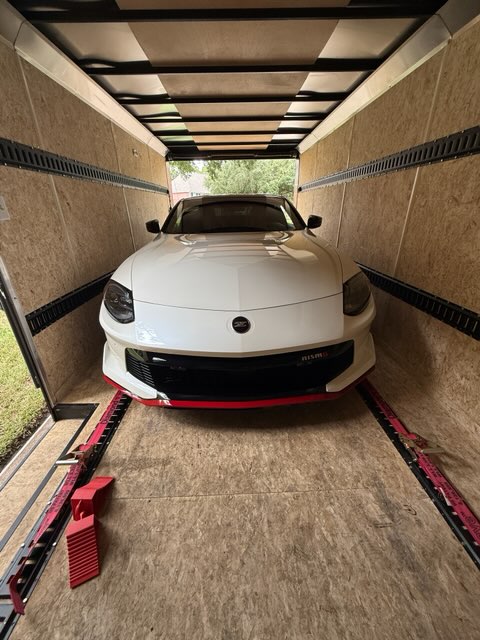
Different angles help explain the enclosed trailer and the vehicle inside. Select any source photo to open it full-size.
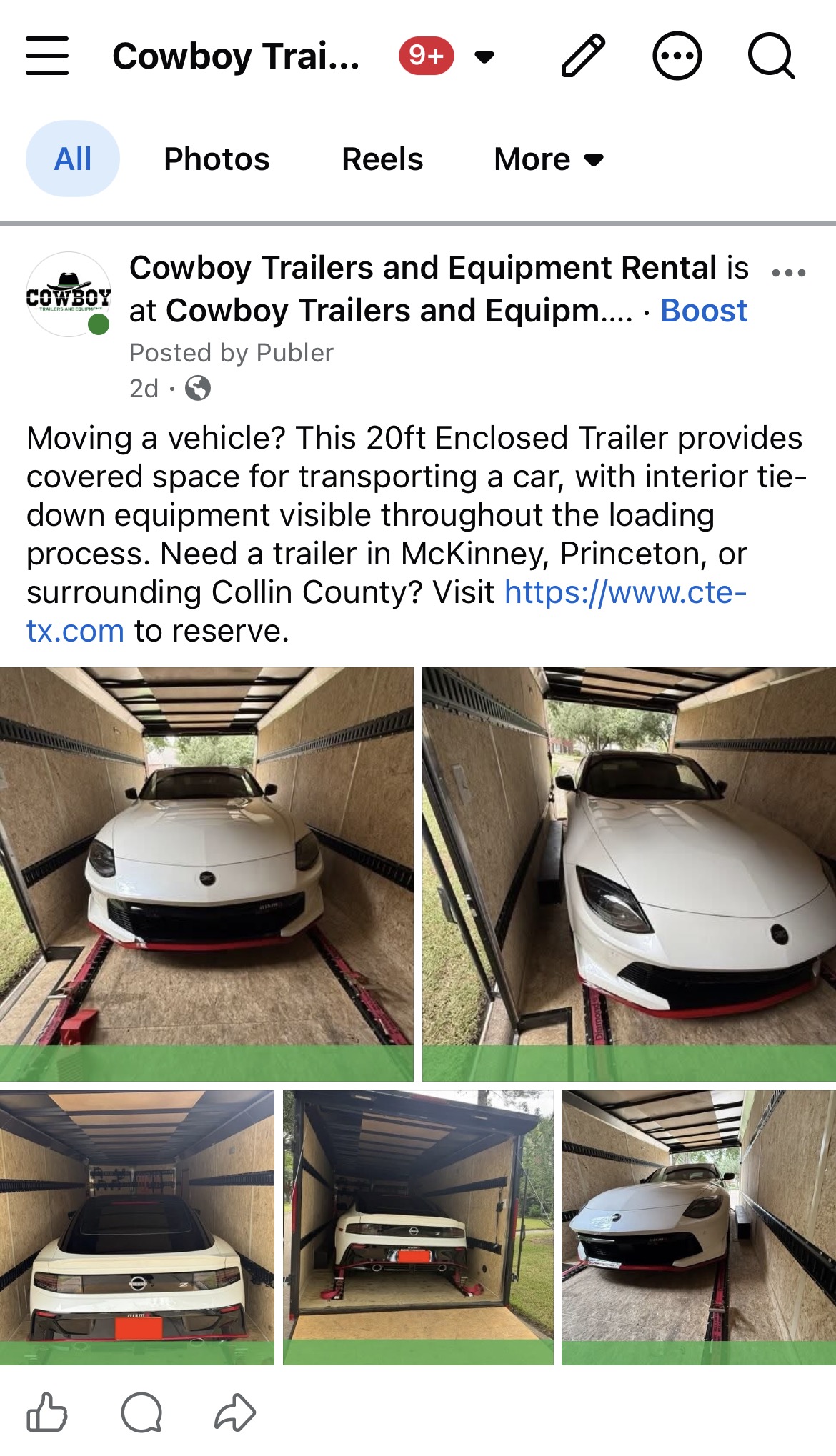
The published example brings several images into one Facebook Page post, with a caption about covered vehicle transport.
View full-size image (opens in a new tab)This is a multi-photo post on a Facebook Page. The number and presentation of grouped photos can differ by destination.
04 / TikTok
The same story, in another feed.
The enclosed-trailer photo also appears in this TikTok photo post. Business branding, location, and a caption give viewers context.
This photo also appears in the Facebook source set above, showing how the same approved media can be used across destinations.
View full-size image (opens in a new tab)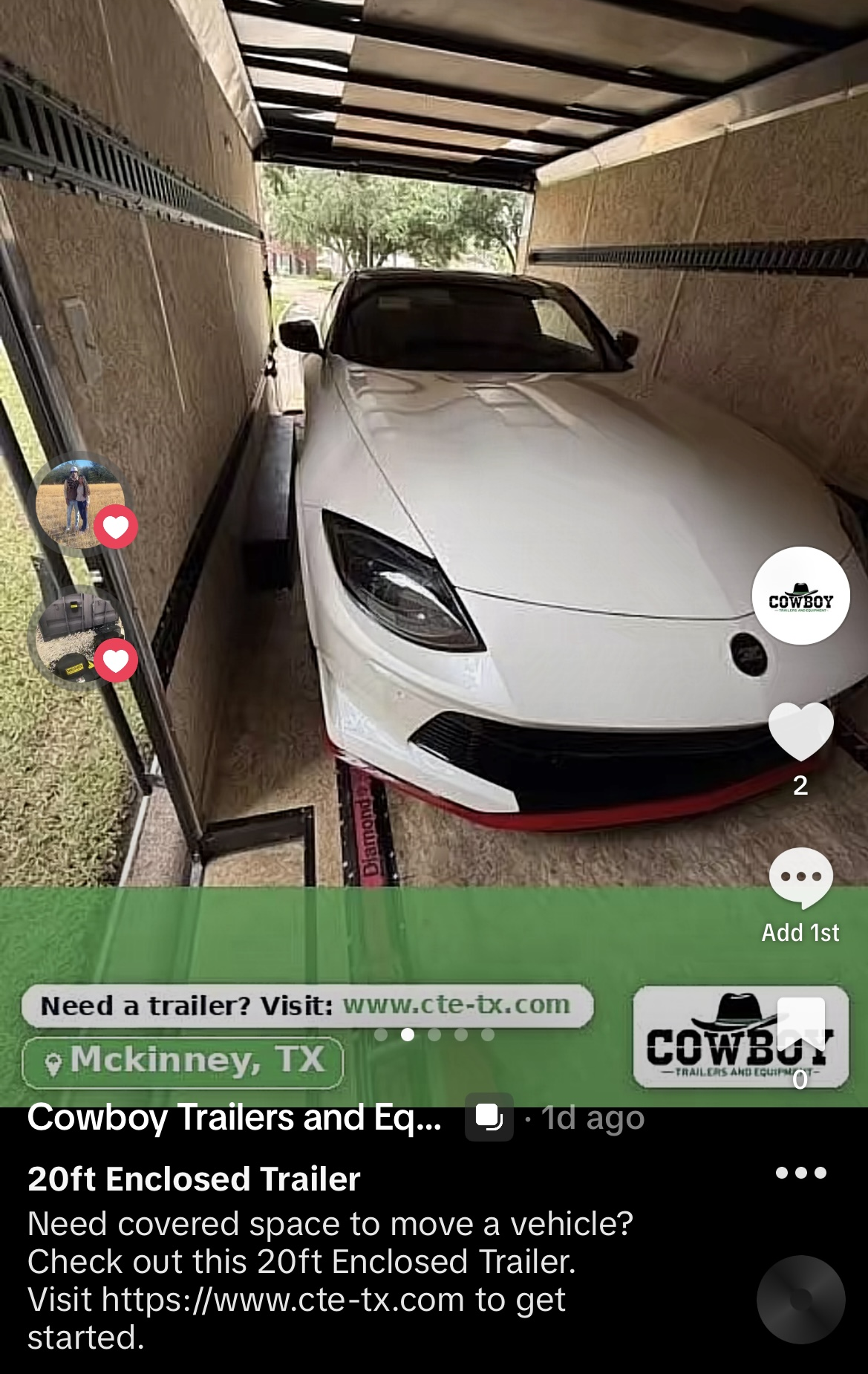
Photo content with the business’s branded footer and a short description explaining the enclosed trailer and inviting viewers to the website.
View full-size image (opens in a new tab)05 / YouTube Shorts
See the branding in a real Short.
A source frame and a finished screenshot show how the video scene is presented. Open the Short on YouTube to watch the actual video.
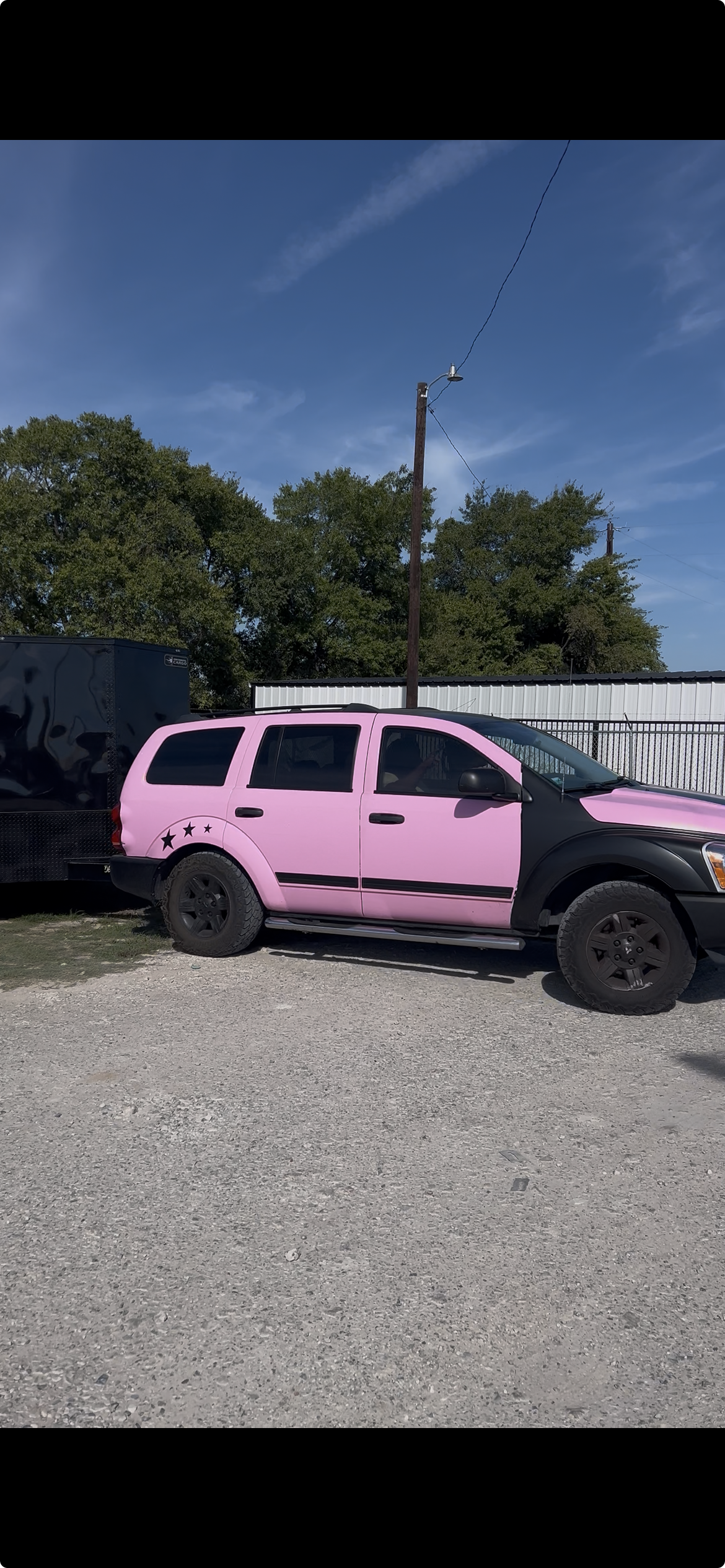
An unbranded still of the scene, shown here for a visual comparison with the finished Short.
View full-size image (opens in a new tab)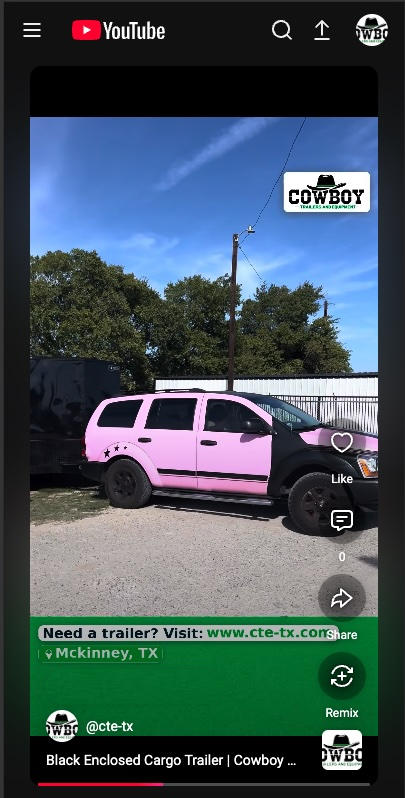
The finished screenshot shows the branding within the vertical video. Use the YouTube link below to see it in motion.
View full-size image (opens in a new tab)These are publishing examples from Cowboy Trailers and Equipment Rental. Some owner-only screenshot controls were removed for clarity. Actual formats depend on your plan, media, and connected accounts.
Make room for consistency
You bring the story.
We help get it out there.
Share approved photos and videos from your business. CTE Social prepares branded content and schedules eligible posts across your selected, verified accounts.
Questions about the right media for your business? Contact CTE Social . Already a customer? Log in to your client area .